| You are here: Home > UltraMon™ > Features > Window management |
|
Overview |
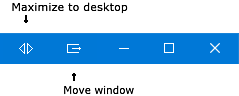
Window managementMoving windows is a common task on multi-monitor systems, and UltraMon makes it easier and more efficient.
UltraMon also adds the ability to move maximized windows using the mouse, simply by dragging the title bar as you would any other window. As soon as you start dragging the title bar of a maximized window, the mouse pointer changes to the move cursor, and the window is moved to the monitor on which you release the mouse. If you're on Windows 7 or later this feature is disabled by default as it can interfere with snapping windows to a screen edge, to enable it go to UltraMon Options > General and check 'enable moving of maximized windows using the mouse'.
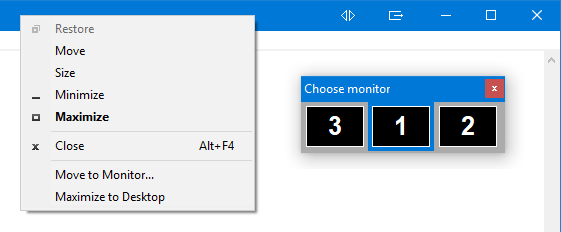
If you have more than 2 monitors, the 'move to monitor' command will open a dialog that lets you select the desired monitor:
You can also use the keyboard for moving and maximizing windows. The following hotkeys are available:
There are also hotkeys to cascade or tile windows or to show the desktop, they either work on all open windows or only on the windows on the monitor with the mouse.
|